01A guided booking journey
Service, specialist, date and time, contact details and a final review form one consistent reservation flow. Validation explains missing information, consent is recorded, and successful bookings receive a unique reference and a clear confirmation. Owners can also create guest appointments.
02Availability that respects the working day
Available times account for service duration, the selected specialist, existing appointments, working hours and the lunch break. The starting rules use half-hour slots, weekdays, two hours of notice and a 60-day booking window in Africa/Lagos time. Occupied times are checked on the server before a booking is accepted.
03A personal customer portal
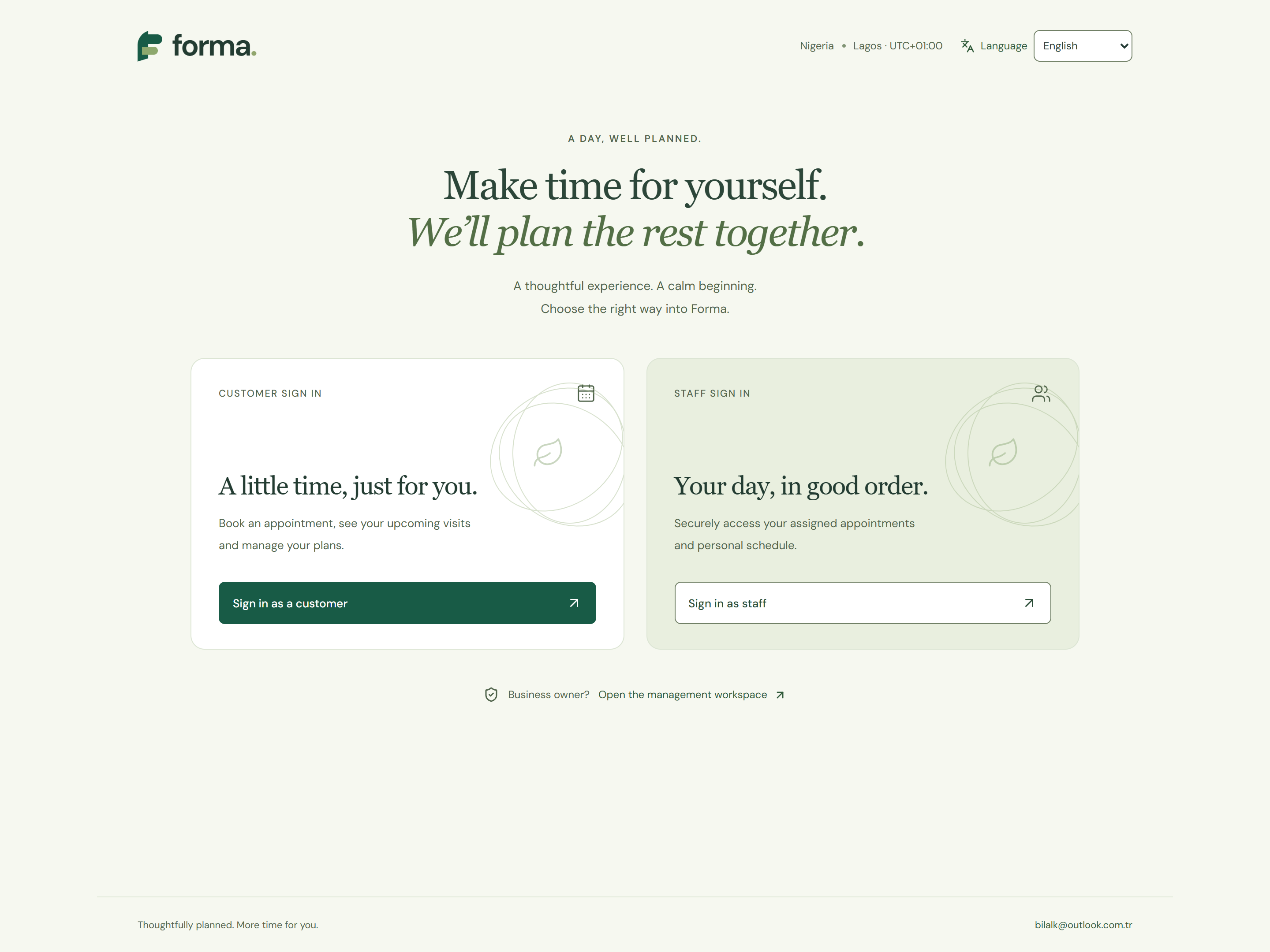
Signed-in customers see their own upcoming and previous appointments, create new bookings, reschedule eligible visits and cancel within the configured deadline. A confirmation can be downloaded as an ICS calendar event. The starting cancellation and change deadline is 24 hours before the visit.
04The business at a glance
The owner dashboard brings daily appointments, capacity, occupancy, available times and team activity together. A five-business-day view shows the rhythm ahead, while quick actions open the calendar, appointment list or booking experience.
05One calendar, focused agendas
A day calendar displays specialist lanes, appointment durations and the lunch break. Owners can focus on an individual specialist; assigned staff receive their own agenda and only their authorised appointment records. Mobile layouts provide readable appointment cards.
06Searchable appointment operations
Search by customer, service or reference, filter by status and open a detailed appointment panel. Confirmed, pending, completed, cancelled and no-show states remain distinct. Owners can track recorded payment status separately and export appointment records as CSV.
07A team with clear access boundaries
Customer, staff and owner permissions are checked on the server for each operation. The owner assigns staff access to a specialist profile and can revoke it. The starter catalogue presents four example services with durations and prices, and three specialist profiles; these can be tailored in the source for a real business.
08Reports that explain the activity
Appointment totals, completed visits, service distribution, status counts, recorded on-site payments and outstanding amounts are presented together. CSV export carries the selected interface language. Recorded on-site payments are staff-entered records rather than proof of a bank transaction.
09Working hours under control
The owner can edit the business name, opening and closing hours, lunch break and customer change deadline. Settings are stored persistently. Changes that would conflict with existing future appointments are rejected, helping the operating schedule remain consistent.
10Four languages, one uninterrupted flow
English is the default, with Turkish, French and German available across entry, customer, staff and management screens. Language preferences survive refreshes; switching language preserves an open form. Dates, interface labels, messages and exports follow the selected language while the workspace keeps Nigeria's NGN currency and Africa/Lagos time zone.
11Designed for mobile and keyboard use
Long translations wrap naturally, forms collapse into readable single columns, and appointment tables become labelled cards on small screens. Large touch targets, visible focus states, Escape handling, contained modal focus and scrollable menus support a clear experience across desktop and phone layouts.
12Reliable records behind the interface
Cloudflare D1 persists settings, appointments, access assignments and audit events. Unique time allocations and transactional writes help prevent double booking; version checks detect concurrent edits. Rescheduling preserves the existing appointment if the new time cannot be saved, and repeat requests are handled without duplicating a booking.